
listicle
Best Budget Planner for Families: A Practical Comparison

Last Updated: November 7, 2026
Quick Summary
The best budget planner for families is one that lets two or more people see the same numbers, with shared access and permissions rather than a single login. Goodbudget suits envelope budgeting together, YNAB offers genuine multi-user sharing, and free printables or spreadsheets work for households that keep abandoning apps.
- A free planner is only worth using if it holds every household category and lets two adults share it.
- Goodbudget was designed for sharing from the start, but its free tier caps the number of envelopes.
- EveryDollar's free version is manual-entry only; bank syncing sits behind the paid tier.
- A monthly family budget takes about an hour to build and fifteen minutes a week to maintain.
- Before linking a bank account, check that the app uses a read-only connection and allows limited permissions.
Table of Contents
- What the Best Budget Planner for Families Needs to Do
- Best Budget Planner for Families Free: What You Can Get Without Paying
- Family Budget Planner Template: Spreadsheets and Printables That Still Work
- App-by-App Comparison: Pros, Cons, and What Each One Costs
- Monthly Family Budget: Setting One Up in Four Steps
- Simple Budget App Free: When a Lightweight Tool Beats a Full Platform
- Getting Kids and Teens Into the Family Budget
- Privacy and Shared-Account Permissions: What to Check Before You Link Anything
- Frequently Asked Questions
What the Best Budget Planner for Families Needs to Do
A budget planner for families has to do one job above all others: let two or more people see the same numbers without turning the kitchen table into a courtroom. Everything else, the charts, the categories, the bank syncing, is decoration on top of that.
This guide compares the real options, apps, spreadsheets, printables and education platforms, by what they actually do for a household rather than how slick their marketing looks. Below, we ask the boring questions for you.
Shared Access and Permissions
Shared access means more than a login two people can use. A planner built for households lets each adult see the same budget, assign spending to different members, and set permissions so a teenager can check a category without editing the rent line. If a tool treats sharing as an afterthought, you will feel it by week three.
How Money Enters the Plan
Money enters a family budget in one of two ways: automatically through linked bank accounts, or manually through entries you type in yourself. Automatic syncing saves time but requires handing over bank credentials. Manual entry takes discipline but keeps your data on your own device. Neither is wrong. Choosing the wrong one for your household is what kills the habit.
Best Budget Planner for Families Free: What You Can Get Without Paying
Free tiers have improved, but they still follow a pattern: the free version proves the method, and the paid version removes the friction. For families, the more useful question is not which free planner is best in the abstract, but which free planner survives a real month with more than one person using it. That depends on the type of planner, not the brand.
What free actually buys across planner types
A free app with manual entry only is still usable, but it shifts the work onto whoever types the transactions. Free printables cost nothing, but they require printing, a visible spot in the home, and a weekly ritual of writing numbers down. Free spreadsheet templates need a spreadsheet program and someone willing to maintain the formulas.
The free-tier test for a family
A free planner is worth using if it can hold every category the household actually spends in, let at least two adults see the same plan, and survive a month without a paid upgrade prompt blocking the workflow. If it cannot hold all your categories, it is a demo, not a planner. If it cannot be shared, it is a personal tracker, not a family planner.
Where free plans tend to break for families
A household with several spending categories may find that a free plan's limits, such as category caps or single-user logins, do not fit its needs. Check each planner's current limits before relying on it.
A practical free stack
Many families do best with a mixed free stack rather than one free app: a printable or spreadsheet for the monthly plan, a free app for day-to-day expense tracking, and a shared note or calendar for the weekly check-in.
Watch out: free tiers can change, so check current terms before building a household habit around any planner.
The honest test is whether the free version can survive a real month. If it cannot hold all your categories, it is a demo, not a planner.
Family Budget Planner Template: Spreadsheets and Printables That Still Work
A family budget planner template is a pre-built document, on paper or in a spreadsheet, that lists income and expense categories with space to plan and compare.
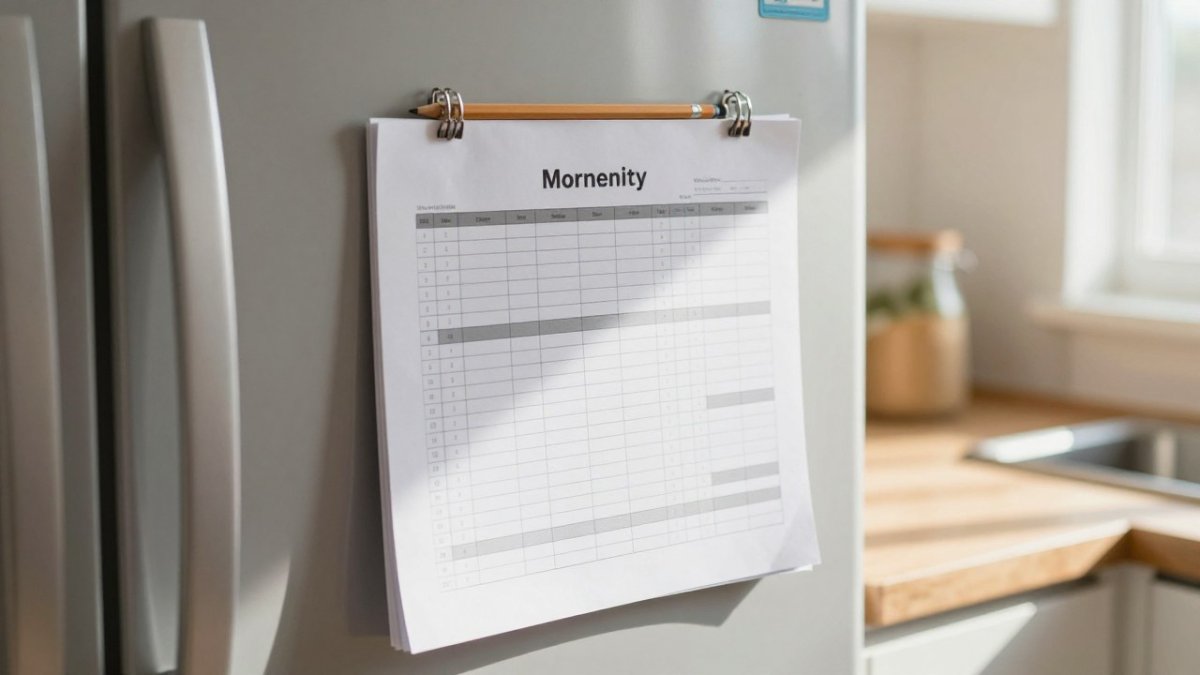
Printables suit households that want a fridge-visible plan and a weekly ritual of writing numbers down. Spreadsheets suit anyone comfortable with formulas. Both beat apps for one specific family: the one that keeps abandoning apps.
If you want a starting point, our monthly budget worksheet uses the 70/20/10 framework and tracks planned versus actual spending on a single page.
App-by-App Comparison: Pros, Cons, and What Each One Costs
Paid budgeting apps generally run on subscriptions, and prices can change, so check the provider's site before you commit. Here is how the main options differ for a household, with the family-specific trade-offs that matter more than the marketing copy.
| Tool | Model | Sharing | Free-tier reality | Best For |
|---|---|---|---|---|
| YNAB | Subscription | Multi-user | No permanent free plan; trial only | Families wanting a strict method |
| Goodbudget | Free and paid tiers | Built for sharing | Envelope cap on free plan | Envelope budgeting together |
| EveryDollar | Free and paid tiers | Limited on free | Manual entry on free; bank sync paid | Simple zero-based plans |
| Rocket Money | Free and paid tiers | Account-based | Free tier covers basic tracking | Subscription trimming |
| Monarch Money | Subscription | Multi-user | Trial only | Household dashboards |
| Help | Free tracker | Limited | Free with investment focus | Investments plus budget |
| Quicken Simplifi | Subscription | Shared views | Trial only | Beginners |
| Tiller | Subscription | Spreadsheet-based | Trial only | Spreadsheet lovers |
| Schwab planner | Free resource | None | Always free, no login | One-page monthly planning |
YNAB
YNAB, short for You Need a Budget, is a subscription app built around giving every pound or dollar a job before you spend it. Its method is strict and its learning curve is real. Families who adopt it tend to stay because the rules force decisions rather than guesses. The drawback: it demands weekly attention, and a household that skips two weeks will feel behind.
Goodbudget
Goodbudget uses digital envelopes and was designed for sharing from the start, which makes it the most natural fit for couples and families who want one budget between them. The envelope method gives spending categories a clear ceiling. The free tier caps the number of envelopes, so a large household with many categories will hit the limit quickly; check current plan limits before relying on the free version for a family with more than a handful of spending lines.
EveryDollar and Rocket Money
EveryDollar follows a zero-based approach, assigning all income until nothing is left unplanned. It suits families who want a simple structure and dislike tinkering. The free version is manual-entry only; bank syncing sits behind the paid tier, which is the single biggest decision point for a busy household. Rocket Money leans toward finding and cancelling subscriptions, which helps households with subscription creep more than it helps with day-to-day category planning.
Monarch Money, Help, and Quicken Simplifi
Monarch Money publishes family budgeting guidance and appears in multi-user comparisons, making it a reasonable pick for households that want a dashboard view. It supports multiple users and shared views, which matters for two adults managing one plan. Help suits families who also track investments, though its budgeting depth is lighter than dedicated planners. Quicken Simplifi is often recommended for beginners, though introductory pricing tends to rise after the first year, so budget for the renewal rate rather than the promo rate.
Tiller and the Charles Schwab Monthly Budget Planner
Watch out: tool terms can change, so verify the current plan details on the provider's site before you commit a household to one.
If debt payoff is part of the decision, our debt payoff calculator lets you compare snowball and avalanche side by side.
Monthly Family Budget: Setting One Up in Four Steps
A monthly family budget is a written plan for where the household's income goes this month, agreed by the adults and reviewed before the next one starts.
- List every income source and its realistic monthly amount, using the lowest figure for irregular pay.
- Write fixed costs first: housing, utilities, insurance, transport, minimum debt payments.
- Assign the remainder to variable categories, food, clothing, activities, savings, with a number for each.
- Compare planned against actual at the end of the week, and move money rather than abandoning the plan.
If you want those categories turned into dated, funded goals, our financial goals planner attaches a monthly amount to each one.
Simple Budget App Free: When a Lightweight Tool Beats a Full Platform
A simple free budget app wins when the alternative is no budget at all. Lightweight tools do one thing, usually expense tracking against a few categories, and they do it without a tutorial. That matters for a household that has already quit two full platforms.
The trade-off is depth. Lightweight apps rarely handle shared permissions well, and they rarely produce a report worth reviewing. Use one to build the habit, then move up when the habit holds.
Getting Kids and Teens Into the Family Budget
Children learn budgeting by handling small amounts of real money, not by watching a parent use an app. Give a teenager a category with a fixed amount and let them manage it.
Our family money activity sheet gives you a ready-made version of that exercise, including an allowance split and a money mission checklist to work through together.
The rule that matters: never rescue a child from a spending decision they made inside their own category. The lesson is the point.
Privacy and Shared-Account Permissions: What to Check Before You Link Anything
Linking a bank account means handing a third party ongoing read access to your transaction history.
Families who would rather not link at all can use manual entry or printables. If you want a quick read on where your household stands before choosing a planner, our free financial wellness quiz takes ten questions and gives you a score to work from.
Most families do not fail at budgeting because they picked the wrong app. They fail because nobody agreed who checks the plan and when.
Frequently Asked Questions
What is the best family budgeting tool?
There is no single winner because families differ in how they want to track money. Choose a tool that matches how your household prefers to track money, whether that is envelope-style categories, shared access, or a dedicated app. If you prefer no bank linking at all, a spreadsheet template or a platform like Money Blueprint works without connecting accounts. Match the tool to your household's habits rather than chasing the longest feature list.
Are there free budget planners for families?
Yes. Free options include printable templates and spreadsheet templates, as well as some free app tiers. Free tools often require more manual entry, which some households find useful for seeing each transaction.
Can a family budget planner track shared and personal expenses?
Some can, and it is worth checking before you commit. The practical approach is to keep one shared household budget for rent, groceries, and utilities, then give each adult a personal category with a spending limit. That way shared costs stay visible without every purchase becoming a household discussion.
What is a realistic monthly family budget?
Any specific figure depends on where you live, your income, and your household size, so treat published averages with caution. A more useful starting point is to track one full month of actual spending before you set targets. Then sort expenses into fixed costs, flexible costs, and savings goals. The 50/30/20 rule, which splits income between needs, wants, and savings, is a common framework, but families with irregular income often need to budget from the lowest expected month instead.
How do I budget without linking my bank accounts?
You enter transactions manually or import statements on a schedule you control. A family budget planner template in a spreadsheet handles this well, and Money Blueprint is built around no account linking, using an intake process and a Financial Health Score instead. The trade-off is time: set a recurring 15-minute weekly slot to log spending.

FAQ
There is no single winner because families differ in how they want to track money. Choose a tool that matches how your household prefers to track money, whether that is envelope-style categories, shared access, or a dedicated app. If you prefer no bank linking at all, a spreadsheet template or a platform like Money Blueprint works without connecting accounts. Match the tool to your household's habits rather than chasing the longest feature list.
Yes. Free options include printable templates and spreadsheet templates, as well as some free app tiers. Free tools often require more manual entry, which some households find useful for seeing each transaction.
Some can, and it is worth checking before you commit. The practical approach is to keep one shared household budget for rent, groceries, and utilities, then give each adult a personal category with a spending limit. That way shared costs stay visible without every purchase becoming a household discussion.
Any specific figure depends on where you live, your income, and your household size, so treat published averages with caution. A more useful starting point is to track one full month of actual spending before you set targets. Then sort expenses into fixed costs, flexible costs, and savings goals. The 50/30/20 rule, which splits income between needs, wants, and savings, is a common framework, but families with irregular income often need to budget from the lowest expected month instead.
You enter transactions manually or import statements on a schedule you control. A family budget planner template in a spreadsheet handles this well, and Money Blueprint is built around no account linking, using an intake process and a Financial Health Score instead. The trade-off is time: set a recurring 15-minute weekly slot to log spending.